Interactive Directory Boards
A directory your visitors can actually use.
Touch-enabled digital directory boards that let visitors search, tap and find their destination in seconds. Update tenant details, room numbers and staff listings from any browser. Deployed in foyers, receptions and lobbies across Australia.
What is an Interactive Directory Board?
An interactive directory board is a touchscreen display in your foyer that lets visitors search for people, rooms or services by tapping — no scrolling through a static list. Visitors type a name or department, tap the result, and see exactly where to go. Tenant names, suite numbers, floor maps and staff listings are managed from our cloud platform. Changes appear in seconds. The touchscreen refreshes automatically so visitors always see accurate, current information.
Benefits that change how you operate.
Self-service navigation
Visitors find their destination without asking reception. The touchscreen handles the most common front desk enquiry automatically.
Instant updates
Change a tenant name, room number or status in seconds from any browser. No waiting for printed replacements.
Schedule-based rules
Automatically mark tenants as closed after hours, display seasonal notices or surface event information on a timetable.
Professional first impression
A well-designed interactive directory tells visitors your building is modern, well-managed and easy to navigate.
What ships with every deployment.
Built for the demands of multi-tenanted buildings, hospitals and campuses where visitors need to find people and places quickly.
Designed for your foyer. Not a default.
Every building is different. Your interactive directory is designed to match the architecture, branding and visitor flow of your specific space.
Portrait or landscape
Tall and narrow for lift lobbies, wide for reception desks. We design to your space, not the other way around.
Touch search interface
Keyboard search, alphabetical browse or category filter. We design the interaction model to suit your visitor types.
Multi-floor directories
Show the entire building on one screen or dedicate screens to individual floors. Your call.
Custom entry parameters
Add fields like "temporarily closed", "by appointment only" or any custom status that suits your tenants.
Managed from one dashboard.
Our cloud platform gives your building manager full control over every directory entry, status and schedule from a single login.
Priced to your requirements. Not a fixed plan.
Every project is different, so every quote is tailored. Pricing is based on the number of screens, the complexity of your interface, the integrations you need and the level of ongoing support. We provide a transparent, itemised quote after understanding your requirements. No hidden fees, no lock-in contracts, no surprises.
Tell us what you need. We'll scope it and come back with a clear, itemised quote within 48 hours.
Every quote comes with concept wireframes so you can see what you are getting before you commit.
One-off projects, ongoing support contracts, or a combination. We structure the engagement to suit you.
Local support from Sydney. Always.
Email support
Send us a support request any time. We respond within 4 hours during business hours, often sooner.
hello@advertiseme.auPhone support
Call our Sydney office directly. We are a small team so if we miss you, we will call back the same day.
1300 880 005Remote support
We connect to your screens remotely to diagnose issues, push updates and make changes without an on-site visit.
Included with every deploymentReal deployments. Real clients.
Every photo below is a live installation from one of our clients across Australia.
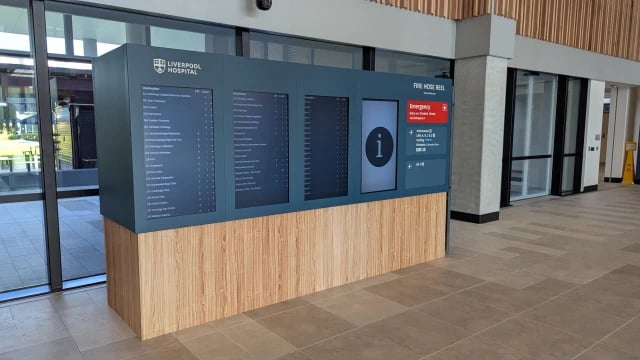
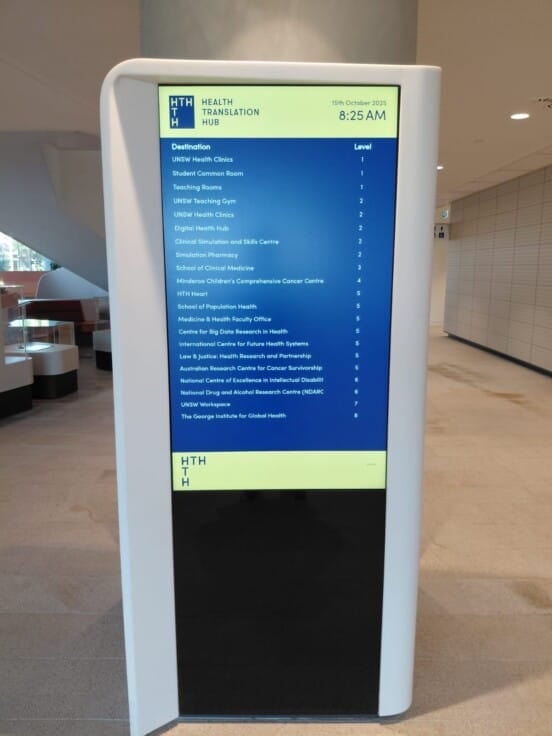 Health Translation Hub directory kiosk in a building foyerLiverpool Hospital entrance directory signage with an information panel
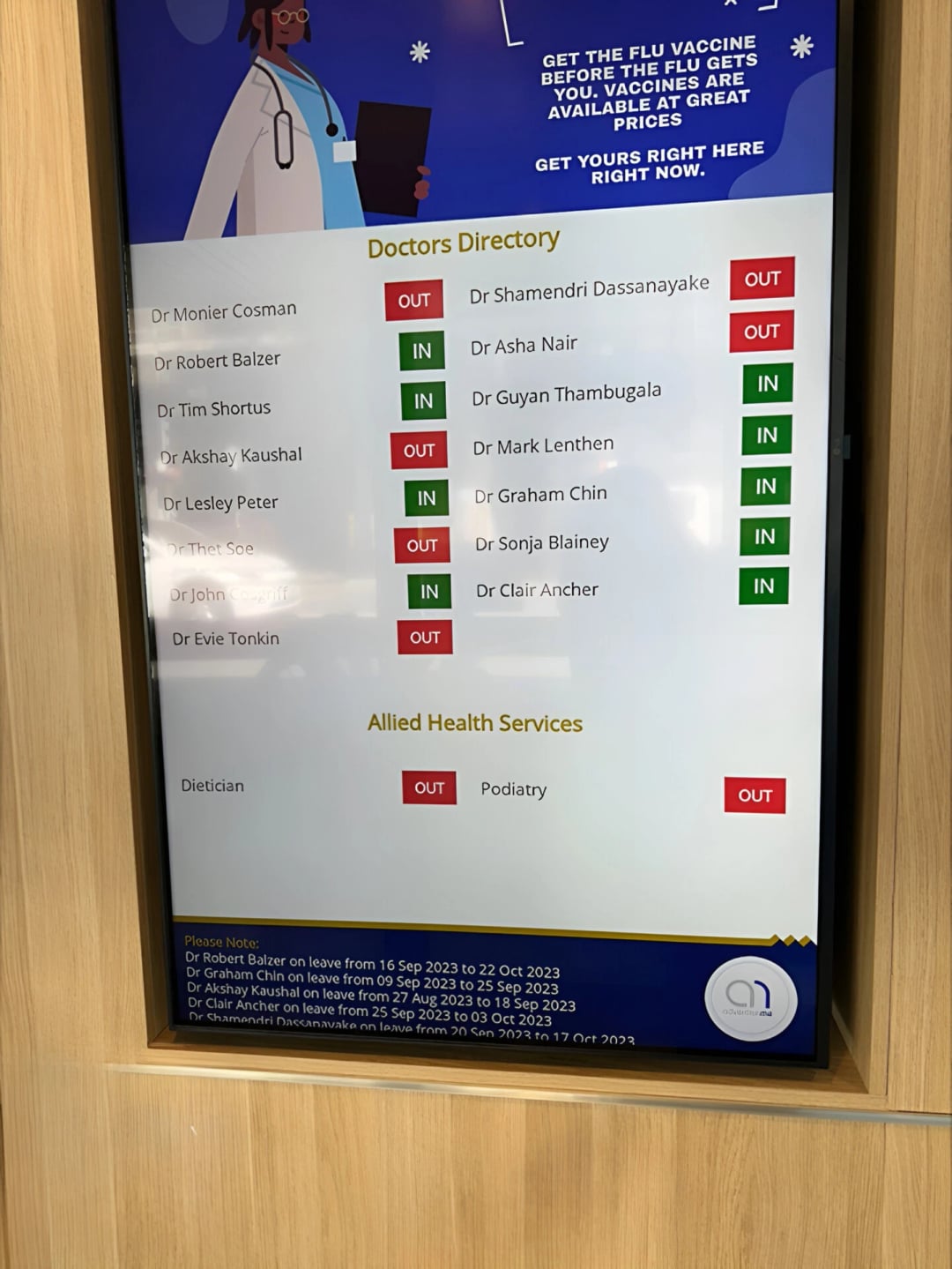 Portrait doctors directory screen showing who is in and out
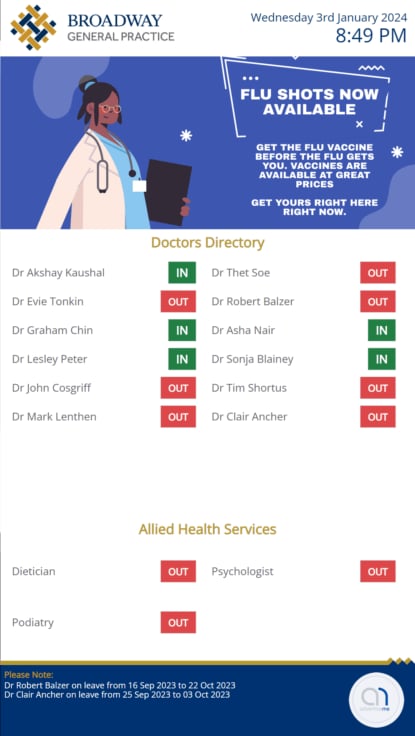 Broadway General Practice flu shot promotion with a live doctors directory
Common questions.
How do visitors find what they need on an interactive directory board?
They tap to search by name, room or department, and results appear in under a second.
How do we update names and room numbers?
From any browser, through a single login to our cloud platform. A name or room number changes in seconds, with no site visit needed.
Can the board be portrait or landscape, and cover several floors?
Yes. Layouts are designed to your space in portrait or landscape, single or multi-column, and can show different floors or wings on one screen or across many.
What is the difference between an interactive and a digital directory board?
An interactive directory board is touch-enabled, so visitors search it themselves. A digital directory board is a passive display that is always readable at a glance and needs no interaction. Both are updated the same way.
Interactive demo coming soon.
We are building a hands-on interactive demo so you can experience interactive directory boards directly in your browser. In the meantime, get in touch and we will walk you through a live demo over a call.
Ready to see what interactive directory boards can do for your organisation?
Tell us about your project. We will come back with a tailored quote, concept mockups and a clear scope within 48 hours.